Make your 2027 vision board.
Most vision board apps start you on a blank template. archivd starts with what you already keep: the trip you screenshotted, the quote you saved, the fit, the room, the goal. Put them on one board and see it every day.

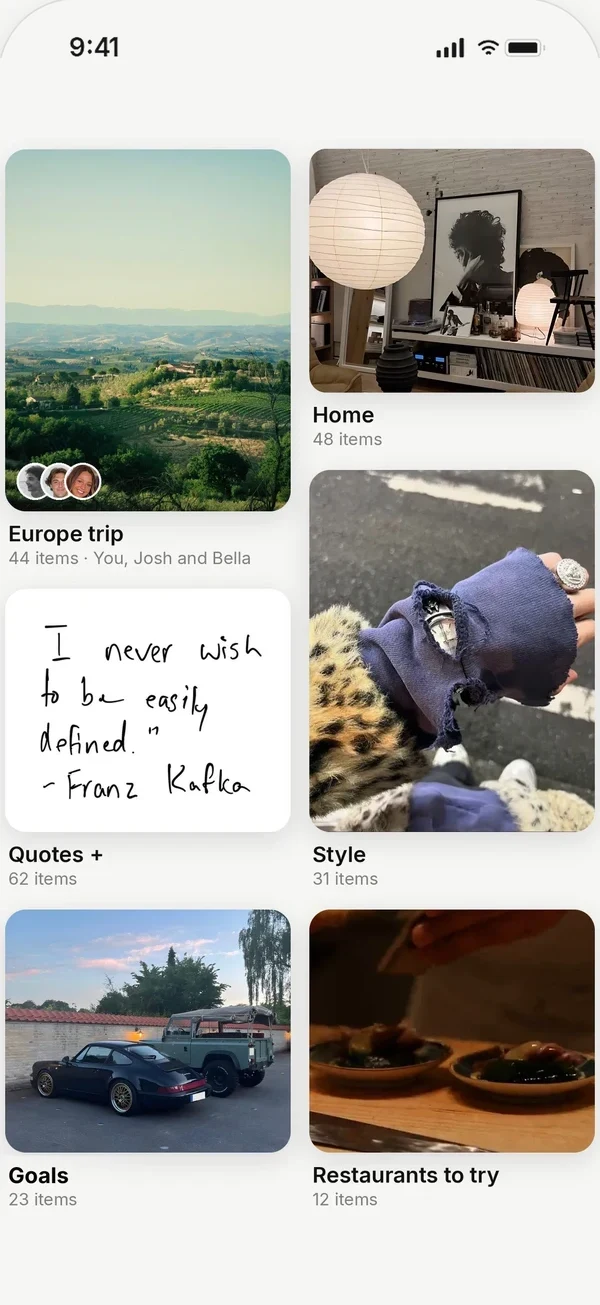
Build it from any app
Tap Share in Instagram, TikTok, Pinterest, Safari or any app with a Share button, pick archivd, then pick your Goals board. Add your own photos and screenshots from your camera roll too.
Make one board for the whole year, or one for each part of it: travel, fitness, home, career, style.
See it as one picture
Open the board as a moodboard and everything you saved for it sits together. Filter it by color, then share it as one picture for your story or the group chat.
Keep it in sight
A vision board works when you look at it. With archivd Plus, any board can sit on your home screen as a widget, so your goals are there every time you pick up your phone.
Give a goal a date
Put a time on any save and it comes back on your lock screen when you can act on it, like booking the trip, signing up for the race or finally trying the recipe.
Private until you share it
No feed, no followers, no algorithm. Your vision board is yours unless you choose to share it. Build one with a partner or a friend when you want to plan together.
Save from any app, keep it private, and share the boards you choose.
Questions
Is archivd a free vision board app?
Yes. Boards, moodboards, reminders and search are free, with 200 saves and one board shared with friends. archivd Plus adds unlimited saves, boards with all your friends and every widget.
Can I add quotes and affirmations?
Yes. Save a quote from any app, screenshot one, or write it as a note. It sits on the same board as your photos.
Can I put my vision board on my home screen?
Yes, with archivd Plus. Any board can be a home screen widget.
Is archivd on Android?
Not yet. archivd is on iPhone today.