Save TikToks somewhere you'll actually find them again.
TikTok favorites turn into a pile you never scroll back through. archivd gives every TikTok you save a place, a note and a reason to come back.

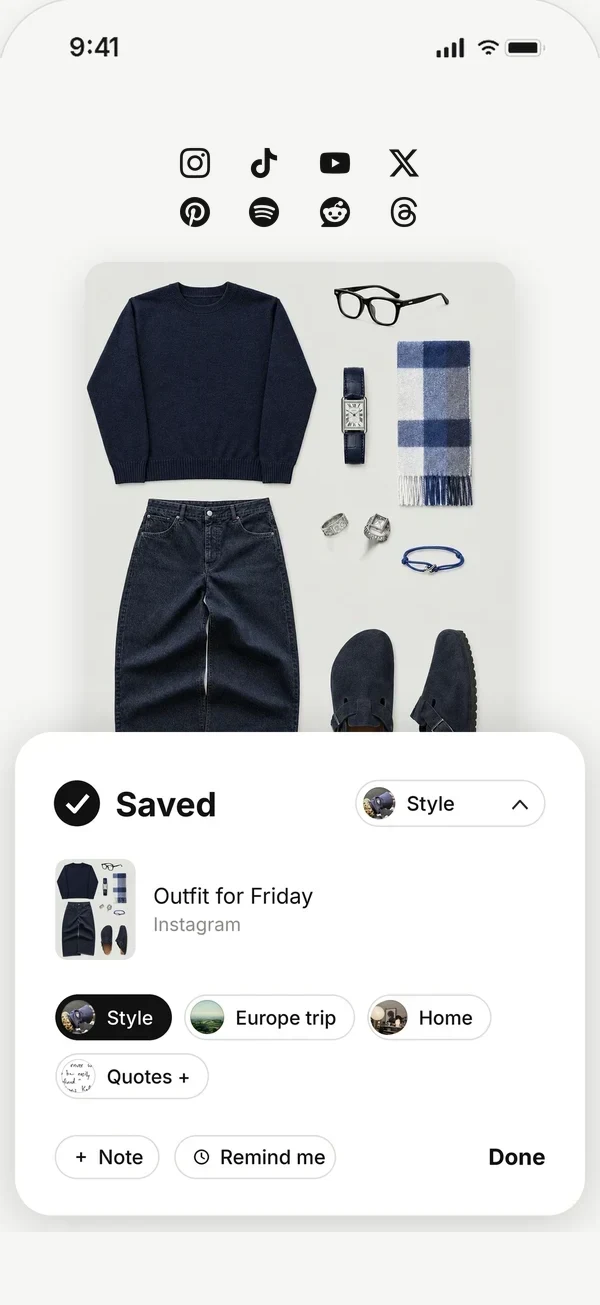
Straight from TikTok
On any TikTok, tap Share, then archivd. Add a note if you want, drop it in a collection, and you're back to scrolling. You never leave the app you were in.
Sorted the way you think
Put recipes, outfits, workouts, travel spots and gift ideas into their own collections. Your TikTok saves sit next to the same ideas from Instagram, YouTube, Pinterest, X and your own screenshots, instead of in a separate silo for each app.
Search finds a save by whatever you remember about it, and your notes stay attached to the thing they're about.
Back when you can use it
Put a time on any save. Pick this evening, tomorrow, next week or your own time, and it comes back as a notification with the picture, so you know what it is before you open anything.
Private by default
Saving to archivd is private. Nothing is posted, and nobody is notified. You decide if anything is ever shared.
Save from any app, see it all as your moodboard, and get it back when it matters.
Questions
How do I save a TikTok to archivd?
Tap Share on the TikTok, then archivd. The first time, open archivd and go to Settings, then Set up the share sheet, so archivd shows up in your share options.
Can I keep TikToks and Instagram Reels together?
Yes. Saves from every app go to the same wall, and you can put them in the same collections.
Is it free?
Yes. Saving, collections, search, reminders and your moodboard are free on iPhone.